

Blog
Digital Nomad Toolkit: The Only Tech You Need to Work From Anywhere

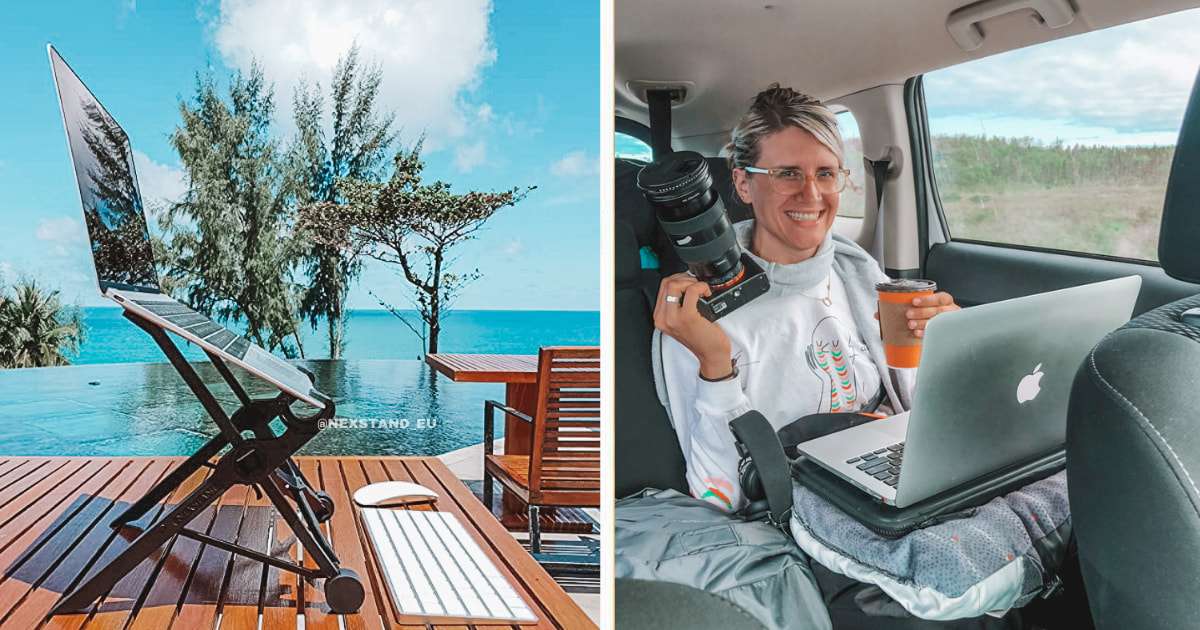
Work no longer has to stay tied to one desk or one city. More people are choosing the freedom to work from anywhere, but that freedom only works well with the right tools. Not more tools, just the essentials. A simple setup helps you stay focused, connected, and productive wherever you go.
In this guide, we’ll cover the tech you actually need to work smoothly on the move.
Build a Reliable Core Setup: Non-Negotiable Hardware
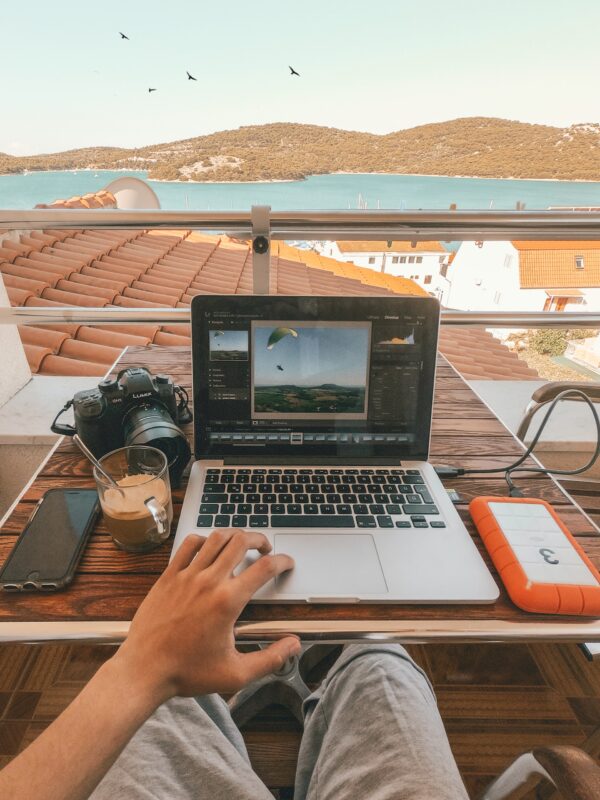
Hardware issues abroad are costly, slow to fix, and disruptive. A reliable setup helps you avoid stress, downtime, and lost work before problems start.
A Laptop That Won’t Let Your Income Die Mid-Deadline
Choose a laptop with four things in mind: 10+ hours of battery life, low weight, solid repair support, and a keyboard built for long work sessions.
MacBook Air M-series models and ultralight ThinkPads are both strong options. Add a compact stand, wireless mouse, and USB-C hub. They take up little space and make work much more comfortable.
Your Smartphone as a Mobile Command Center
Your phone is a backup office, full stop. It manages hotspot duties, two-factor authentication, banking, document scanning, and emergency communication when things go wrong.
Dual-SIM or eSIM support is essential. Keep a password manager, an authenticator app, a VPN, a notes app, and a main messaging platform installed. These tools cover most daily needs.
Audio, Video, and Ergonomics for Calls That Don’t Embarrass You

Noise-cancelling headphones are worth it in cafés and coworking spaces. Earbuds with a solid mic work well for most calls. If video quality matters, a small ring light and USB-C webcam are smart upgrades.
A foldable laptop stand may seem minor, but it makes long work sessions far more comfortable.
Stay Online Everywhere: Connectivity and International Data Plans
Connectivity is everything. Lose it, and your toolkit becomes useless.
A Connectivity Strategy That Holds Up Across Borders
Think in three layers: primary venue Wi-Fi, always tested before important calls; secondary phone tethering, backed by a solid international data plan; and a third backup, such as a separate eSIM or travel hotspot. This is not overkill. It is practical protection for your work.
Choosing the Right International Data Plan for How You Actually Travel

Selecting a reliable international data plan is genuinely one of the most consequential decisions you’ll make for your workflow. eSIM platforms have made picking up regional data fast and genuinely convenient. Regional plans suit nomads staying within one geographic zone, Southeast Asia or Europe, for example.
Country-specific plans offer better value for longer slow-travel stays.
Fast city-hoppers typically benefit most from a global plan covering 100+ countries under one flat price.
When comparing options, check hotspot allowances, fair-use caps, and tethering permissions; those details matter far more than the headline price does.
Portable Routers and Offline Readiness
A travel MiFi device earns its weight for couples, small teams, or regions with notoriously unreliable accommodation Wi-Fi. Pre-downloaded offline maps and pre-synced documents mean a dropped connection slows you down rather than stopping you entirely. Small prep, big return.
The Core Remote Work Tools Stack: Software That Actually Earns Its Place
The best remote work tools are boring in the finest possible way; they work reliably on slow connections, function from your phone, and don’t require constant maintenance.
Communication and Collaboration That Survive Bad Connections
Slack, Zoom or Google Meet, and a dependable email client cover roughly 90% of collaboration scenarios. Prioritize platforms with strong mobile apps and reduced-bandwidth modes.
For project management, Notion works well for solo nomads; ClickUp or Asana fit distributed teams better. Keep the stack intentionally small. Every extra app means another login to protect and another background process draining your battery during important calls.
File Access and Document Management on the Move
Cloud storage isn’t optional infrastructure; it is the infrastructure. Google Drive, Dropbox, and OneDrive all perform reliably. What matters more than platform choice is folder structure and offline sync discipline. Sync your active project folders before every flight. For contracts, a lightweight e-signature tool like Signeasy keeps business moving without requiring anyone to print a single page.
Security and Privacy: Protecting Your Work Everywhere You Go
Security for nomads isn’t IT hygiene in the abstract. It’s income protection.
The Security Baseline Every Remote Worker Needs
A password manager comes first, no argument. App-based two-factor authentication, not SMS, on every critical account comes immediately after. A VPN matters most on unfamiliar networks; verify a no-logs policy, a kill switch, and consistent speed before trusting one. Full-disk encryption on both laptop and phone should be active before your first flight. These aren’t advanced measures. They’re simply the floor.
Wi-Fi Habits for Cafés, Airports, and Everywhere Between
Research found that 36% of Americans at least suspected a security incident after using public Wi-Fi, with 19% certain one occurred. The practical fix: use your phone hotspot for anything sensitive, stick to HTTPS browsing, and treat airport Wi-Fi as hostile by default. Those three habits eliminate most of the risk.
Backup, AI, and Smart Extras: High-Leverage Upgrades
A disciplined backup system and the right AI tools for digital nomads genuinely change what you can accomplish on the road.
A 3-Layer Backup Strategy Built for Nomadic Life
The 3-2-1 rule, adapted for nomads: three copies of critical files across two storage types, with one stored off-site. Practically, that means cloud backup through Backblaze or Google One, a small encrypted SSD in your bag, and version history enabled across your cloud apps. This setup has rescued more than a few nomads after a stolen laptop or failed drive in a city with no Apple Store nearby.
AI Tools That Give You Hours Back Every Week
Thomson Reuters research found AI is expected to save professionals four hours per week within the next year, effectively adding a colleague for every ten team members. For nomads, those saved hours hit harder because transit days and time zone juggling already eat into your schedule. Practically useful applications: summarizing long documents, drafting client-facing emails, translating contracts and menus, and categorizing expenses automatically. Not flashy use cases. Just the ones that quietly save your Tuesdays.
Final thoughts
Working from anywhere isn’t about carrying more gear; it’s about carrying the right gear. A lean, reliable setup removes friction, protects your income, and gives you the flexibility this lifestyle promises. When your tools are simple, your systems are tight, and your connectivity is dependable, you spend less time troubleshooting and more time doing meaningful work.
Start with the essentials, test your setup before you travel, and refine it as you go. The goal isn’t perfection, it’s reliability.
Because when your tech just works, you’re free to focus on what really matters: your work, your freedom, and the life you’re building around both.
FAQs
- Which tools are truly essential on a tight budget?
Password manager, VPN, cloud storage, and a mobile data backup cover the non-negotiables. Most of these come in under $15 per month combined. Start there before any hardware upgrade conversation.
- Is it better to get an international data plan or buy local SIMs?
Depends entirely on your pace. Slow travellers, those spending weeks in each country, typically save money by buying local SIMs. City-hoppers moving every week or two save time and reduce hassle by using a regional or global international data plan through an eSIM provider.
- How do I manage two-factor authentication when switching SIMs regularly?
Use an app-based authenticator like Authy that syncs across devices. Avoid SMS-based 2FA tied to a phone number you’ll regularly swap. This detail catches more nomads off guard than almost anything else in the setup.